


At 19 · Student
Copy the slide, not a photo of it. Recognise Text turns a lecture into notes you can search.
Free for Mac · No account
Screenshots, scrolling pages, recordings and GIFs, with a Library that keeps every one. Everything stays on your Mac.
macOS 14 or later · Apple silicon and Intel · Notarized by Apple

Copy the slide, not a photo of it. Recognise Text turns a lecture into notes you can search.
Show the bug, don't describe it. An arrow says more than a paragraph.
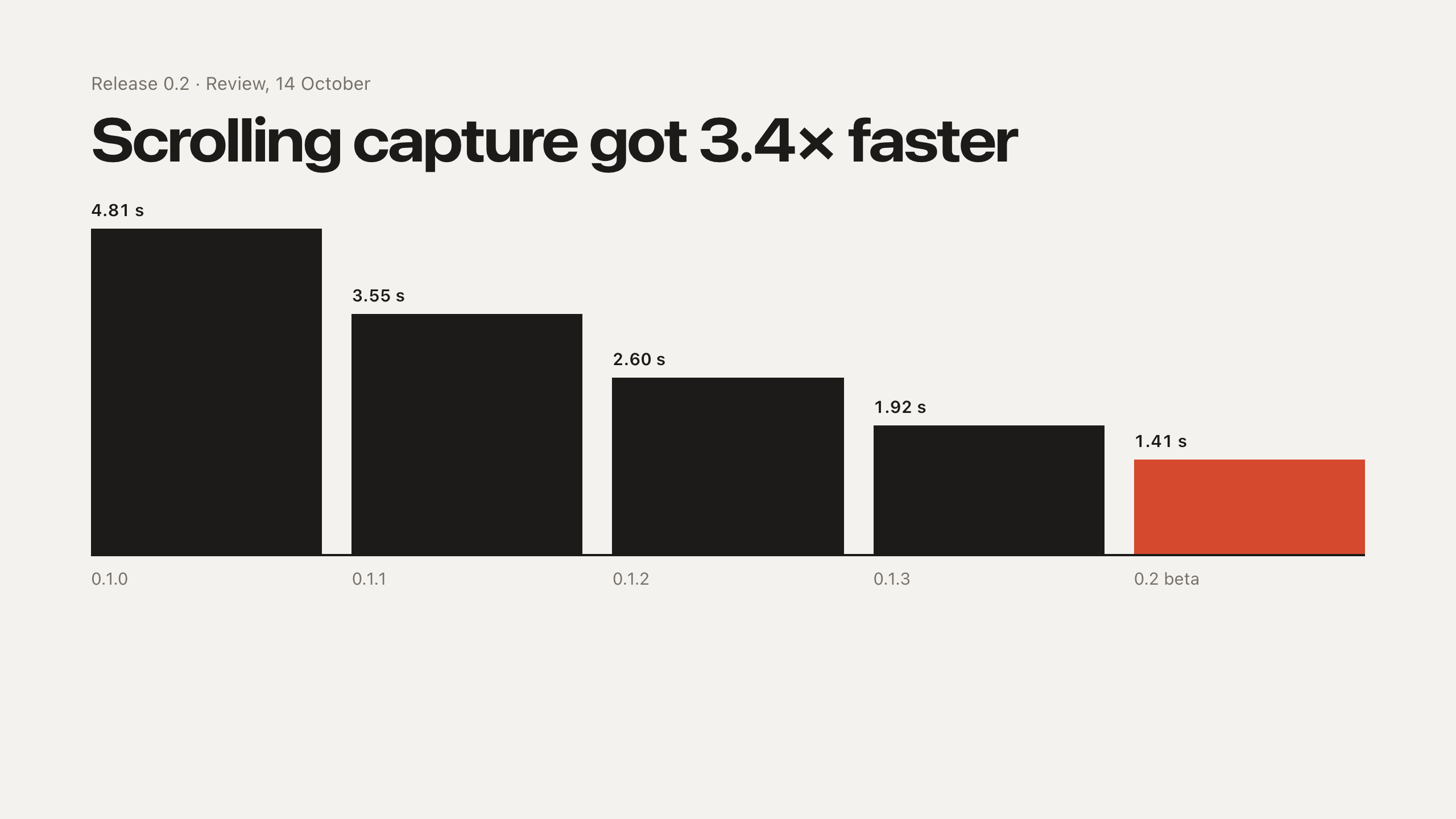
The whole page, in one image. Scrolling Capture stitches it while you scroll.
Show your dad how to join the call, once. Eight seconds of GIF beats twenty minutes on the phone.
Keep the boarding pass in sight, and blur what no one else should read.
A lifetime of captures. Still on your Mac, still findable.
Features
An area, a window, the full screen, or the same area again.
Long pages in one image. Scroll by hand, or let Auto Scroll do it.
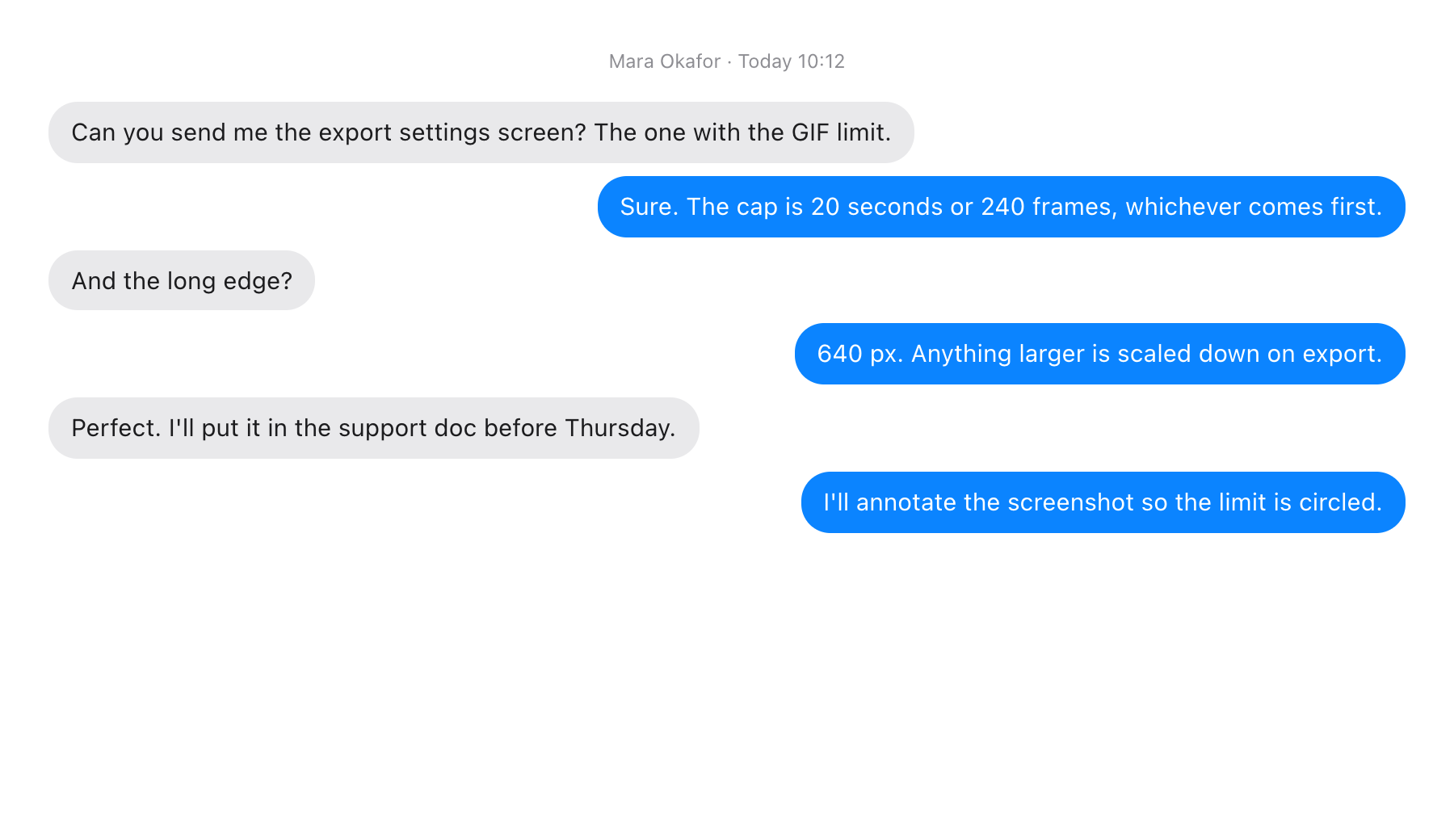
With the cursor and system audio, or as a short GIF.
Copy the words out of any capture, and find them again later.
Arrows, highlighter, numbered steps and text. Pixelate or blur that really removes the pixels.
Every capture lands in the corner: copy, save, annotate, pin, or press Space to preview.
Every capture by day, searchable by the text inside it.
Keep a capture floating above your work while you copy from it.
Try it
A small Mac, right in the page. Drag across the window to capture it.
Drag across the desktop to capture an area. Control Option Command 4 starts an area capture, and Return then captures the invoice table. Control Option Command W captures a window. Each capture lands in the bottom left corner with Copy, Save, Pin, Annotate, Trash and Close. Hover or focus a capture and press Space to preview it.
Privacy
Captures, recordings and the text inside them are saved on this Mac and nowhere else.
No account, no trial, no subscription.
Signed by Unity Bridge Solutions and checked by Apple before it opens.
Shortcuts
Change any of them in Settings.
Coming soon · Apple silicon and Intel · Notarized by Apple
FAQ
